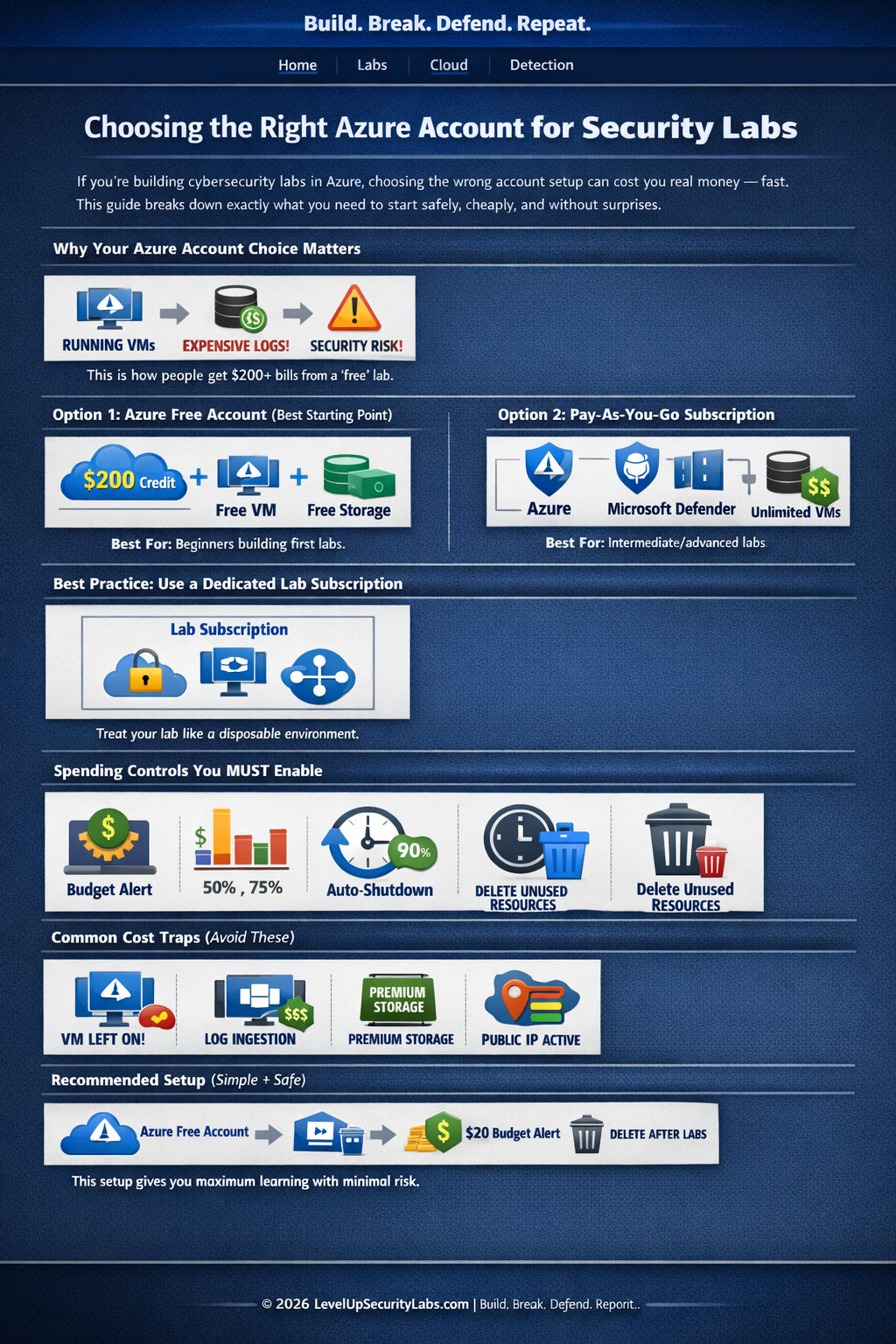
Why account choice matters
Azure is one of the best platforms for building hands-on security skills, but it becomes expensive quickly if you treat it like a sandbox with no guardrails. The biggest beginner mistakes are simple: leaving VMs running, overusing logging, and building inside the wrong subscription.
What usually drives surprise charges
- Virtual machines left on overnight or over weekends
- Log Analytics or Sentinel ingestion growing faster than expected
- Premium storage or networking resources left behind after testing
- Using a flexible pay-as-you-go subscription without budget alerts
Best account option for most beginners
Start with an Azure free account and treat it as a contained practice environment. It gives you room to learn the portal, deploy a few small resources, and understand subscriptions, resource groups, IAM, networking, and logging without jumping directly into a fully open billing model.
Why it works well
- Good fit for first labs and learning platform basics
- Helps you understand what services actually consume money
- Creates a natural place to test small deployments before scaling
When pay-as-you-go makes sense
Once you start testing more advanced security services, richer log pipelines, or repeated lab builds, a pay-as-you-go subscription becomes more realistic. That said, flexibility only helps if you add cost controls first.
Use it when you need
- More advanced Microsoft security services
- Multi-resource lab topologies with networking and monitoring
- Repeatable testing that outgrows a basic free-tier approach
Recommended Azure lab design
A dedicated lab subscription is the cleanest pattern. Keep it isolated from anything personal, shared, or production-related. Think disposable by design.
- Create a dedicated subscription for lab use only
- Build inside a single resource group per lab or topic
- Use small B-series or similarly low-cost resources for compute
- Enable auto-shutdown on all virtual machines
- Delete or deallocate resources after each exercise
Good first lab footprint
- 1 small VM
- 1 storage account
- 1 network security group
- 1 budget with alert thresholds